Lost or damaged your Dubai driving licence? Here’s how you can apply for a new one in minutes
Once you complete the online application, you can have the physical card delivered to you or printed at a self-service kiosk
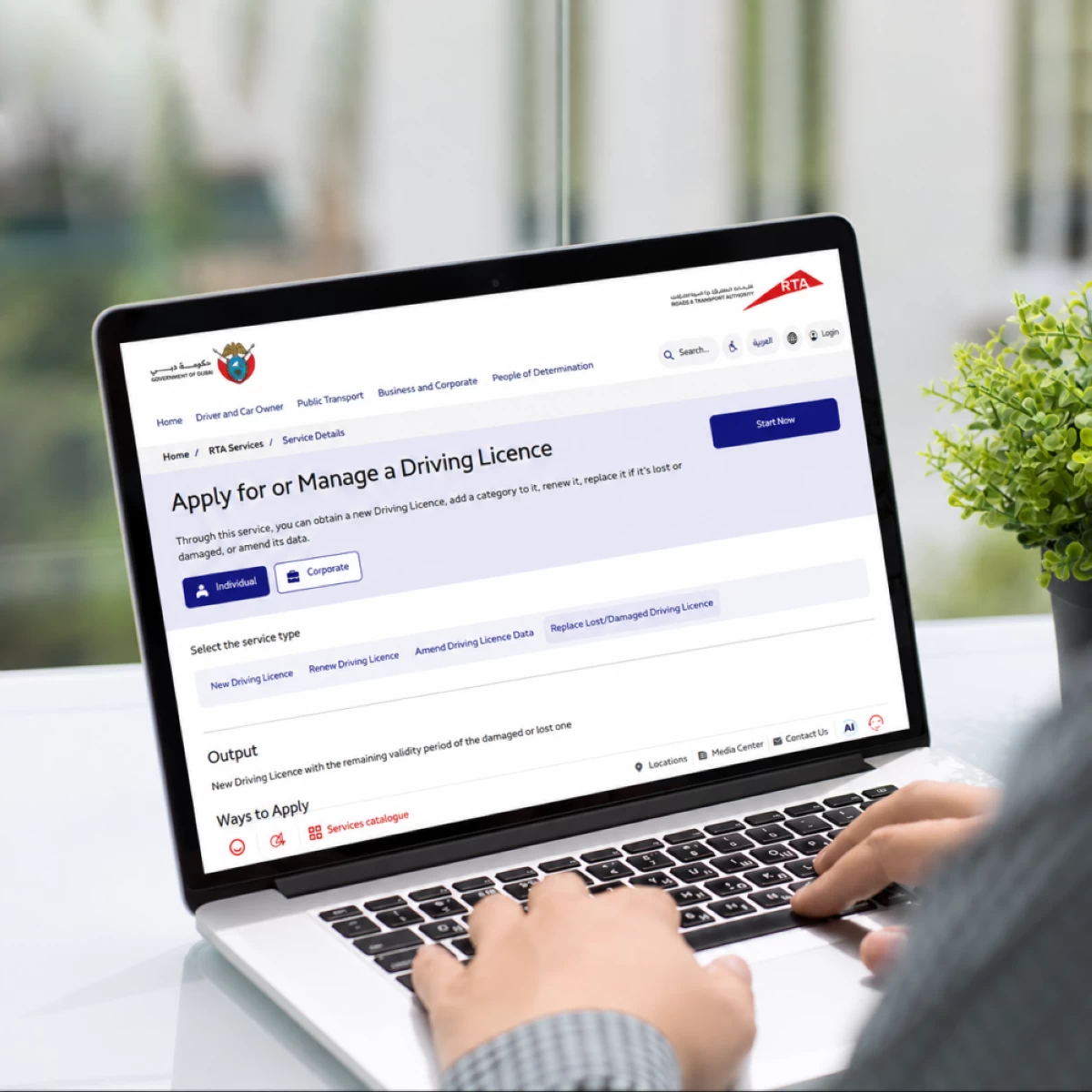
Dubai: If you have ever lost or damaged your Dubai driving licence, there is an easy way to apply for a replacement card, with the application process completely online.
The Roads and Transport Authority (RTA) allows UAE citizens and residents to apply for a replacement card through its online channels – the website, www.rta.ae, or the ‘RTA’ app, which is available for Apple and Android devices.
Once you complete the application process, you can receive the physical card by printing them at any RTA self-service kiosk or having it delivered to your home or office.
Here’s how.
Applying for a replacement driving licence in Dubai
You can complete the process online through the RTA website or app by following these steps:
- Under the services section on the website or app, go to the ‘driving licence’ category and select the service ‘Apply for or Manage a Driving Licence’. You can also directly go to the service here: https://www.rta.ae/wps/portal/rta/ae/home/rta-services/service-details?serviceId=620
- Click on ‘Start now’.
- You will then need to log in using your Emirates ID (which should be valid), passport, or UAE PASS. If you use the first two options, you will also need to enter an OTP, which will be sent to your registered mobile number.
- Once you have successfully logged in, check your Emirates ID details, email address and preferred language (Arabic/English) and click on ‘next’.
- If you have any fines issued to your driving licence, you will be notified of the total amount, which you will have to pay before completing the process.
- Next, select the reason for applying for the service: ‘I lost my driving licence’ or ‘My driving licence is damaged’.
- Next, select the delivery method: ‘Collect from smart kiosks’ or ‘delivery’. With the second option, you can get your driving licence delivered to you through a courier company registered with the RTA.
- You will then get a summary of the total fees you have to pay. Make the payment using your credit or debit card.
As soon as you make the payment, you will receive the driving licence digitally, which you can add to your Apple or Samsung wallet as well. For the physical card, depending on your selection, you can either visit the nearest self-service kiosk – the map for which you can find here: https://www.rta.ae/eservices/rtagisfindus/?lang=en&id=1&layerName=Smart%20Kiosk%20Machines – or have it delivered to your home or office.
How much does it cost?
- For drivers younger than 21 – AED 100 (valid for one year).
- For drivers 21 years old or older – AED 300 (valid for five years).
- Knowledge and Innovation - AED 20.
- Delivery fees – AED 20 for standard delivery, AED 35 for same day delivery and AED 50 for delivery within two hours, or international delivery.